
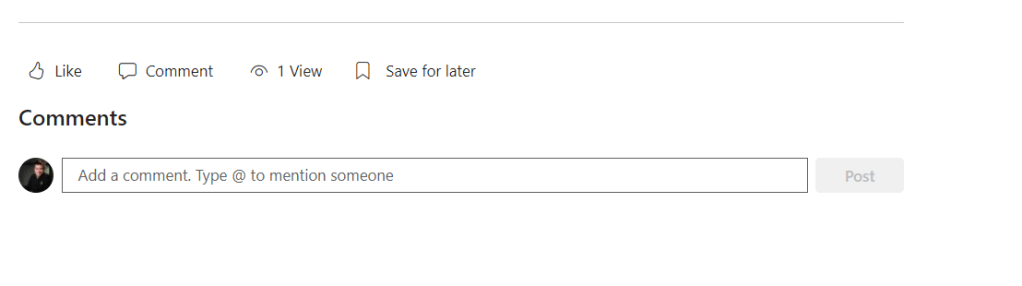
When creating a new modern site in SharePoint Online, one of the default features that comes with every page (except Home page) is the social bar. This bar includes options for commenting, liking, and displaying page views. While these social features can be valuable for some scenarios, there are cases where you may prefer to have a clean and streamlined page without the distractions of social interactions.
At the moment, the Social Bar can be managed per tenant and per site. If we want to disable this feature on site level, we could use PowerShell script. To do this, open SharePoint Online Management Shell as Admin and run this script :
#Set Tenant and Site Parameters
$AdminCenterURL="https://testdev-admin.sharepoint.com/"
$SiteURL = "https://testdev.sharepoint.com/sites/blogtest/"

#Connect to SharePoint Online
Connect-SPOService -Url $AdminCenterURL -Credential (Get-Credential)

#Disable Social Bar Features
Set-SPOSite -Identity $SiteURL -SocialBarOnSitePagesDisabled $True
 Vukašin Jeremić - IT Blog
Leave a comment